Unblur image tool for soft and shaky photos

Unblur image is for photos that are almost right but not crisp: a little camera shake, focus that landed just behind the subject, or softness from a cheap lens. The tool rebuilds edge contrast at the original size, so you can sharpen an image without making it bigger. It works best on mild to moderate blur.

Keeps the size and recovers edges lost to slight motion, missed focus or a soft lens.

Output
—
MP
—
Cost
—
Sign up for 5 free enhances

Free enhances cover results up to 2× and 24 MP, with no watermark.

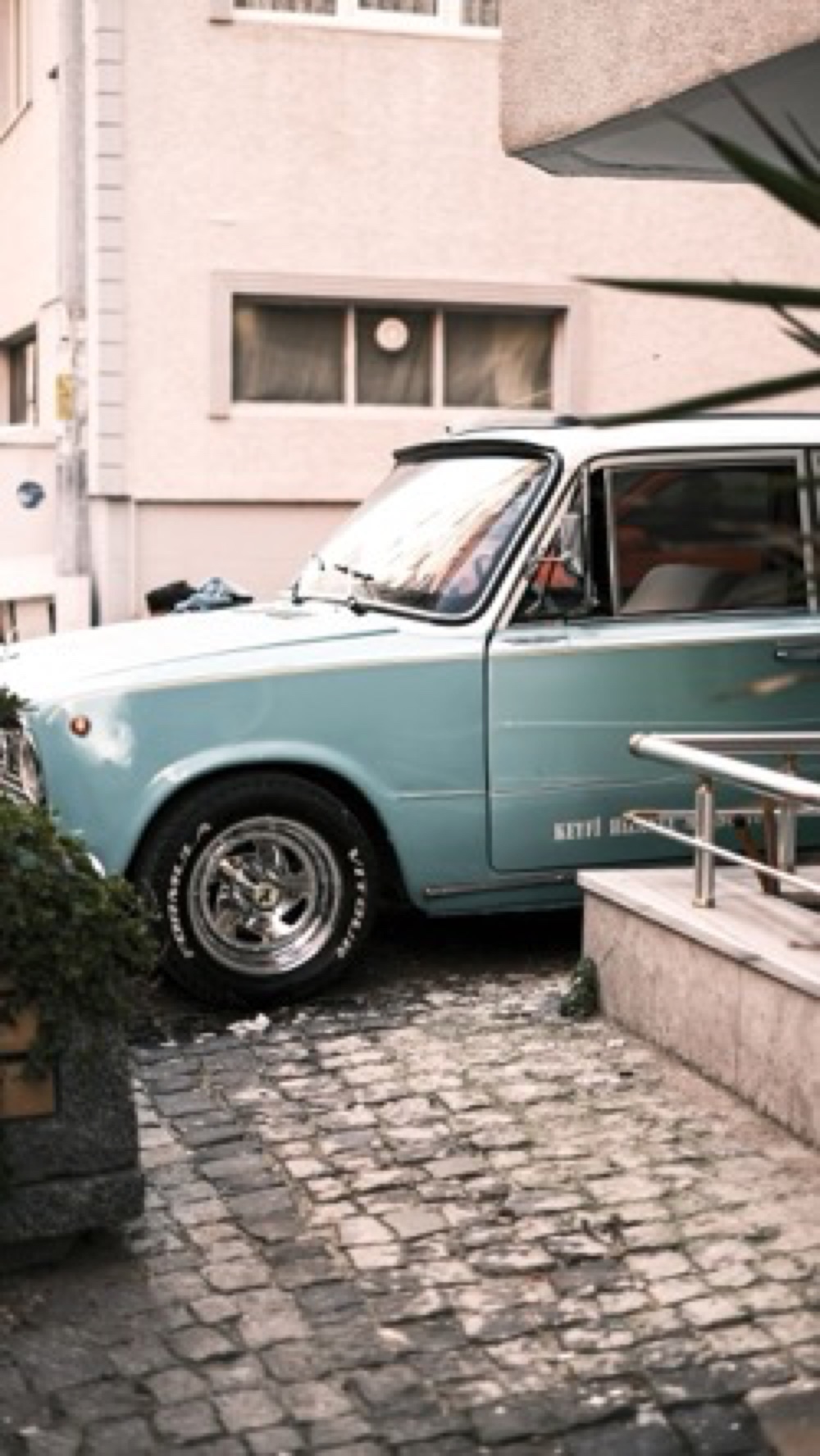
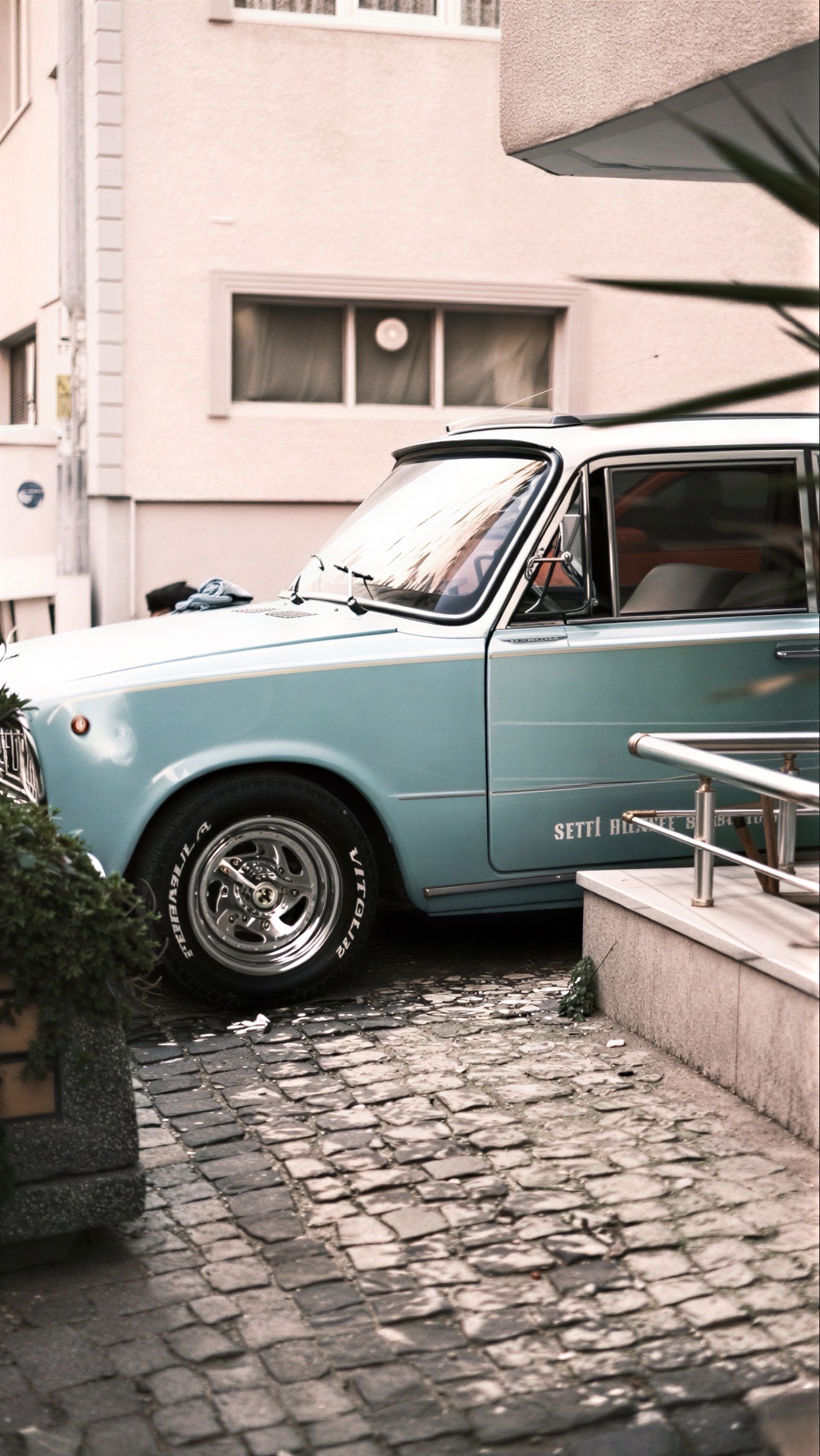
Soft photo of a vintage car on a cobblestone street, before and after Unblur — After
Soft photo of a vintage car on a cobblestone street, before and after Unblur — Before
BeforeAfter
1000×1776 → 1000×1776 · Input: Stock photo (free licence), softened for the test

Good for

  • Handheld shots with slight camera shake
  • Portraits where focus fell on the ears instead of the eyes
  • Screenshots and photos that went soft after resizing
  • Phone photos taken in low light

How to use it

  1. 01

    Upload the blurry photo

    Use the original file if you can. Every re-save as JPEG adds artefacts that the sharpener has to work around.

  2. 02

    Select Unblur

    The tool keeps the same width and height and shows the cost of the job before you run it.

  3. 03

    Check edges with the slider

    Look at eyelashes, text and fine lines. If they look natural, download; if the source was very blurred, expect a partial improvement.

Three kinds of blur, three different outcomes

Camera shake smears every edge in one direction and responds well when the streak is short. Missed focus blurs the subject while something nearby stays sharp, and moderate cases sharpen convincingly. Motion blur from a fast-moving subject, such as a passing car, is the hardest, because the detail was never recorded at all.

Sharpening versus making things up

A classic sharpen filter raises contrast along edges and quickly produces halos. The AI approach estimates what the edge should have looked like, which looks far cleaner, but on very blurry inputs it may draw plausible detail that was not really there. That is fine for a social post or a print on the wall, not for reading a licence plate or identifying someone.

What it costs

The price depends on the tool and the size of the result in megapixels (width × height of the output). The tool shows the exact number before you start. See credit packs

Credits per job by tool and output size
Tool≤ 4 MP4–16 MP16–24 MP24–48 MP48–64 MP
Enhance27272754107
Enhance + Face restore27272754107
Upscale27272754107
Upscale + Face restore27272754107
Unblur37212121

Questions

Can it fix any blurry picture?

No. It makes slightly or moderately soft photos clearer. When the blur is several times wider than the details you want, the original information is gone and no tool can bring it back faithfully.

Does Unblur change the image size?

No. The output has the same width and height as your upload. Use the upscaler afterwards if you also need more pixels.

Will my unblurred photo have a watermark?

No. Neither free enhances nor paid jobs add a watermark.

What should I do if the result looks over-sharpened?

Try Enhance instead, which cleans the photo more gently, or start from a less compressed copy of the original.