AI image upscaler for photos that need more pixels
An image upscaler adds real pixels to a picture so it holds up on a larger screen or in print. Ordinary resizing only spreads the existing pixels out, which turns edges soft and blocky. This AI upscaler predicts the missing detail, so lines stay clean and textures like fabric, foliage and skin keep their structure.
Doubles or quadruples width and height, rebuilding fine detail instead of stretching pixels.
Refines faces in your own photos. Use only on people who agreed; it should never change who someone is.
Free enhances cover results up to 2× and 24 MP, with no watermark.
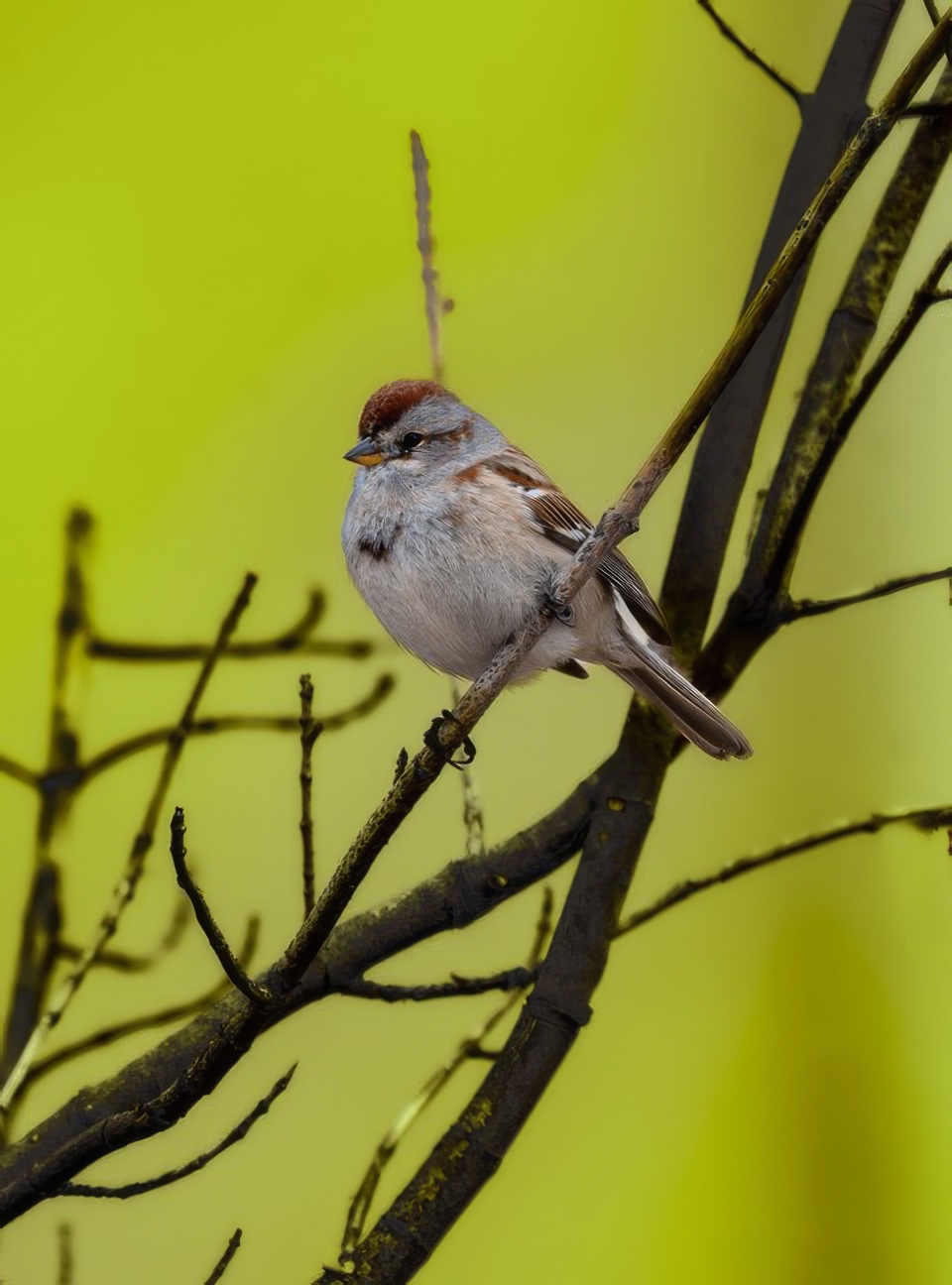
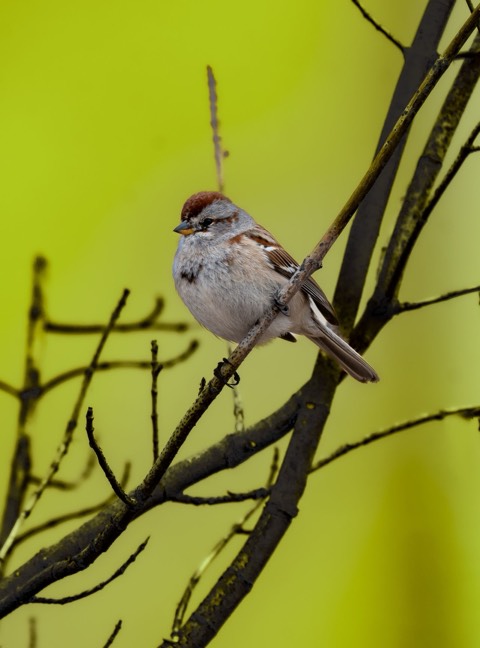
BeforeAfter
480×648 → 1920×2592 · Input: Stock photo (free licence), downsized to 480 px wide for the test
Good for
Small images saved from old phones, chats or websites
Product photos that need to fill a larger listing frame
Crops that lost too much resolution to print
Artwork and scans you want to display bigger
How to use it
01
Upload the photo
Drop in a JPG, PNG or WebP up to 10 MB. The tool reads its pixel size and shows it under the preview.
02
Choose 2× or 4×
The output size and megapixels update as you switch. Scales that would exceed the 64 MP limit are greyed out.
03
Compare and download
Drag the slider over the result to check edges and texture against the original, then download the full-size file.
Why plain resizing looks soft
When an editor doubles an image, it has to invent three new pixels for every original one, and it does that by averaging neighbours. The result is smooth but vague. An AI upscaler has learned what edges, hair, brick and text tend to look like at higher resolution, so it fills the new pixels with plausible structure instead of a blur.
Choosing between 2× and 4×
Use 2× when the photo already looks fine at its current size and you just need it bigger, for example a 1500 px image headed for a 3000 px web banner. Use 4× for genuinely tiny sources such as thumbnails or 800 px phone shots. Starting from a very small file, 4× gives the model room to rebuild detail, but it cannot recover information that was never captured.
What the upscaler will not do
Heavy blur and strong compression get upscaled along with everything else. If the image is soft or blocky, run Unblur or Enhance first, then upscale the cleaner result. Fine text and small faces may come out slightly reshaped, so check them with the slider before you use the file.
What it costs
The price depends on the tool and the size of the result in megapixels (width × height of the output). The tool shows the exact number before you start. See credit packs
Credits per job by tool and output size
Tool
≤ 4 MP
4–16 MP
16–24 MP
24–48 MP
48–64 MP
Enhance
27
27
27
54
107
Enhance + Face restore
27
27
27
54
107
Upscale
27
27
27
54
107
Upscale + Face restore
27
27
27
54
107
Unblur
3
7
21
21
21
Questions
How large can the upscaled image be?
Up to 64 megapixels, with no side longer than 16,000 pixels. If 4× would go over that, the tool only offers 2×.
Does upscaling change the aspect ratio or crop the photo?
No. Width and height are both multiplied by the same factor, so the framing stays exactly as it was.
Can I upscale an image for free?
Yes. A new account includes 5 free enhances, and each can be a 2× upscale with no watermark. 4× jobs use credits; the price is shown before you start.
Is an AI upscaler the same as increasing DPI?
No. DPI or PPI is only a print setting that says how densely the existing pixels are placed. Upscaling adds pixels, which is what actually lets you print larger without visible blocks.